The crew uses IRIS on a phone, tablet or the ship's PC — with or without internet. Everything they enter is kept on board and sent to the office as soon as there is a connection.
Book a demo Watch it work offline
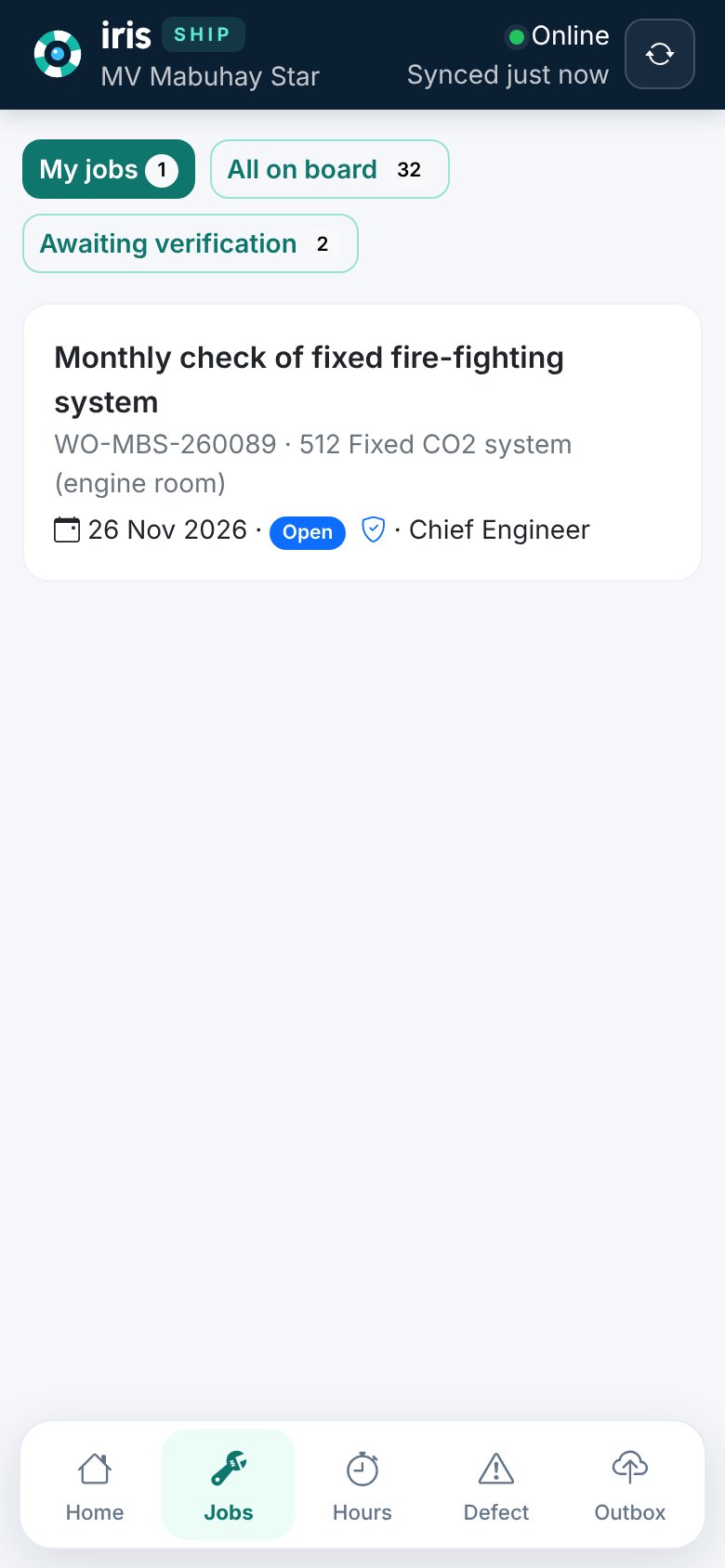
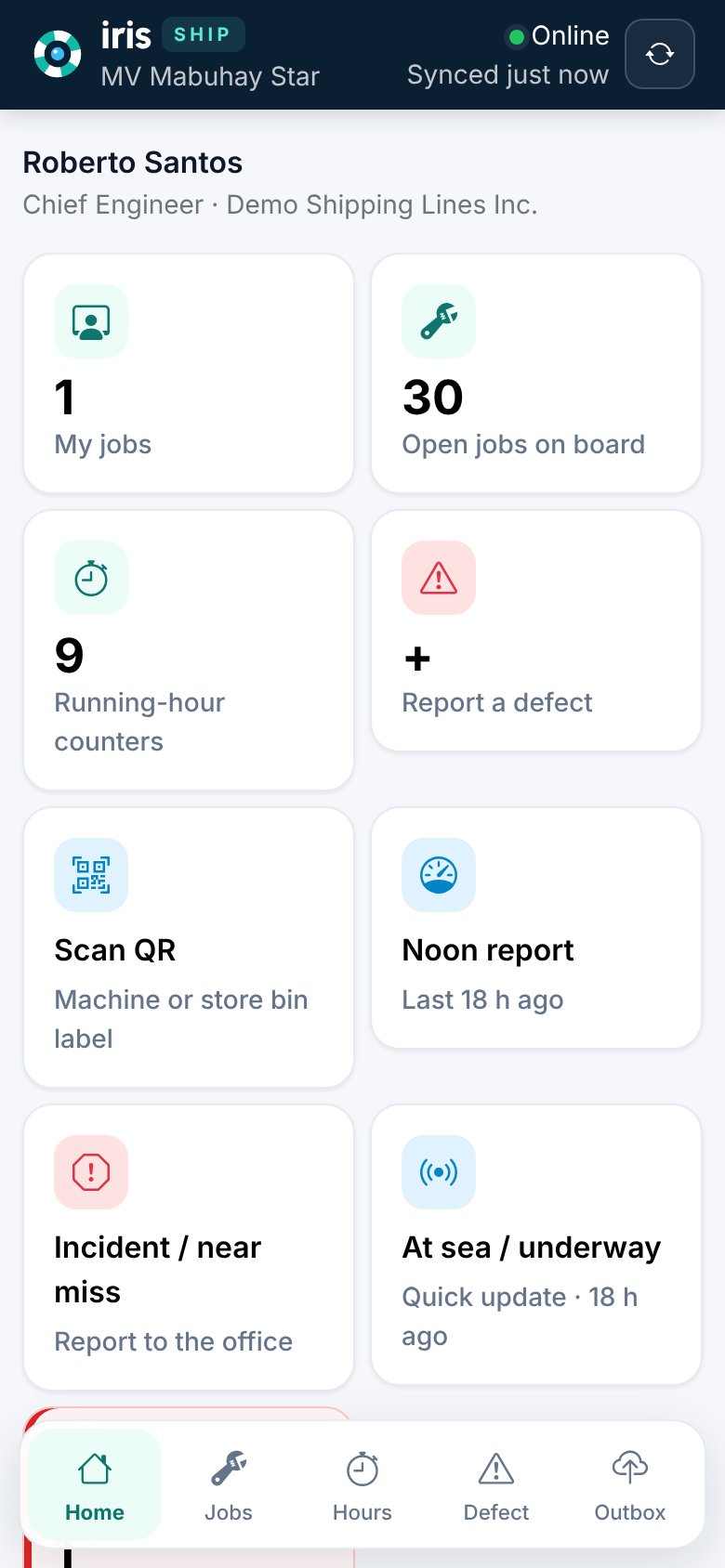
Today's and overdue jobs for the vessel, with steps, readings, parts used and photos.
Enter the hours of each machine; due dates move by themselves.
Report a fault in seconds. Critical ones can alert the office by SMS.
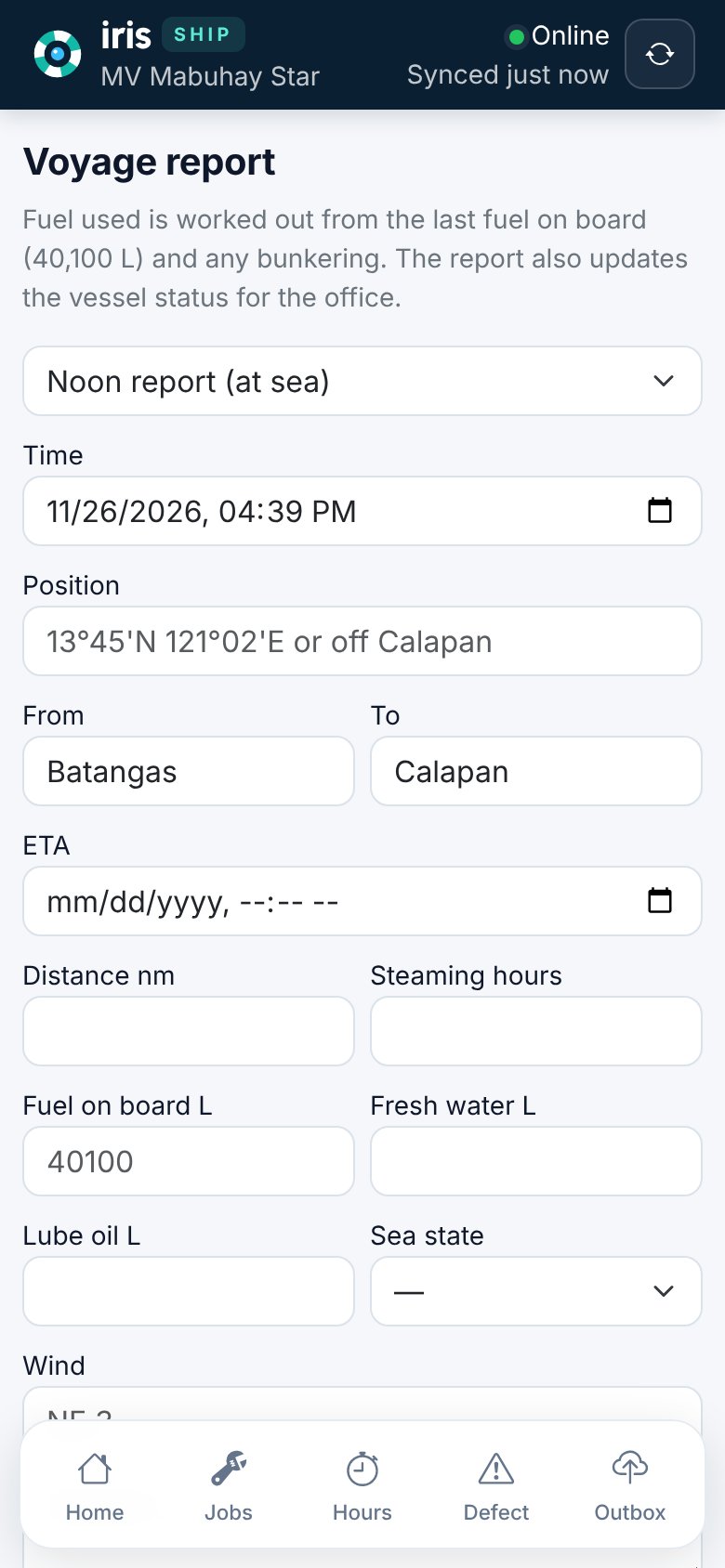
Position, distance, hours and fuel on board — the office sees speed and consumption.
Near misses, incidents and "vessel stopped / sailing" updates.
Scan the label on a machine or spare part to open it.
While online, the device is connected to the ship with a personal sign-in. It downloads the vessel's jobs, equipment and parts.
Everything entered is saved on the device and listed in the Outbox, with the time it was done.
When a connection is found, the Outbox is sent and the latest jobs come back — every minute, or with the Sync button.
If something cannot be accepted (for example a job already closed), the crew sees the reason and can correct it.
IRIS app for phones and tablets (Android 10 or newer), with the camera for photos and QR labels.
IRIS Ship for Windows 10/11: install on the bridge or engine-room PC; opens and works without internet.
On any modern browser (Chrome, Edge, Safari) — it can be added to the home screen and also works offline.
In the demo you can connect your phone to a sample vessel.